VoIP Fabric

The VoIP solution Preferred by Professionals

This is where we publish noteworthy updates to the VoIP Fabric platform.

Brought to you by VoIP Fabric B.V.

Mobile App: Teams, Address Book & Personalization

A major mobile app update brings teams, the shared address book, user management, and account personalization to your pocket.

Teams in Mobile

The Teams functionality is now available in the mobile app, fulfilling one of our most requested features.

  • Team Availability – Team members can sign themselves in or out directly from the app, enabling flexible on-the-go availability management.
  • Team Settings – Administrators can manage team names, descriptions, and member lists from their mobile device.
  • Real-time Status – See at a glance how many team members are currently signed in.

Address Book

The shared address book has arrived on mobile, putting all your business contacts within reach.

  • Organizations & Contacts – Browse organizations and their contact persons directly from the app.
  • Integrated Search – Quickly find contacts by name or number across colleagues, the shared address book, and local phone contacts.

User Management

Administrators can now manage users on the go.

  • User Details – View comprehensive user information including contact details, internal numbers, and device status.
  • Device Overview – See which devices each user has registered and their current login status.

Account Personalization

  • Custom Colors – Choose a unique color for each account, making it easy to distinguish between multiple logged-in accounts at a glance—or simply match the app to your taste.

Teams, SIP Credentials & Flow Expressions

A major update introducing team management, enhanced device configuration, and a powerful new set of flow expressions.

Teams

The first version of Teams is here—a major new feature that unlocks flexible collaboration across your organization.

  • Team Management – Create and organize teams with custom names, descriptions, and priority levels.
  • Member Configuration – Add users to teams with individual availability toggles, priority settings, and custom descriptions.
  • Call Routing Integration – Teams can be set as destinations in call groups and priority queues, enabling dynamic call distribution based on who's available.
  • Coming Soon: Mobile App – Teams will shortly be added to the mobile app, allowing team members to sign themselves in or out on the go—opening up a whole new range of collaboration possibilities.

SIP Devices

  • Custom Credentials – SIP devices can now be configured with custom authentication credentials, giving you more control over device provisioning and security.

Flow Expressions

A comprehensive set of new expression blocks has been added to the Flow Editor:

  • Logic – Conditional expressions with "all of / are true" and "if / then / else" blocks.
  • Math – Mathematical functions including pi, random decimals, sum, and minimum/maximum calculations.
  • Text – String manipulation with length, trim, slice, split, reverse, starts/contains checks, find index, replace, format with dictionaries, case conversion, and random text generation.
  • Lists – Array operations including reverse, unique values, slice, splice, range generation, sorting, and iteration.
  • Dictionaries – Key-value operations with set/remove keys, merge, has key checks, and conversion between dictionaries and entries.

Address Book & Yearly Indexation

Two new features have been added to the portal: a comprehensive address book and automatic yearly billing indexation.

Address Book

  • Organizations & People – Manage your business contacts directly in the portal. Add organizations with details like name, description, address, and notes.
  • Contact Persons – Link multiple contact persons to each organization for relationship management.
  • Flexible Details – Store phone numbers, email addresses, and other contact details with custom descriptions.
  • Coming Soon: Mobile App – The address book will shortly be available in the mobile app, giving you access to all your contacts wherever you are.

Billing

  • Yearly Indexation – Prices can now be automatically adjusted annually based on indexation rates, keeping your billing aligned with market conditions.

Small portal & Flow Editor Improvements

A fresh round of improvements brings more clarity, performance, and flexibility to both the channel page and flow building.

Channel page

  • Improved filtering by source/destination number – Even faster and more accurate filtering, with better parsing across different number formats.
  • New “hangup reason” attribute – Flows can now detect why a channel was terminated. This enables logic for emergency interruptions and other advanced routing scenarios.

Flow Editor

  • Text casing expressions – New functions allow you to convert text to uppercase, lowercase, or only capitalize the first letter.
  • Enhanced device info – The Get Device Info node now returns both device type and device status, enabling richer conditional logic in your flows.

Billing API & Automation

A simple to use, yet powerful API is now available to integrate billing directly into your own systems.

Automated

  • Easy-to-use API – Fetch all usage- and rate data programmatically.
  • Real-time synchronization – Keep your ERP, CRM, and invoicing systems up to date with actual billing information.

Smarter Pricing & Adjustments

Our tools now give you full control over pricing across all your customers.

Highlights

  • Manage price plans – Create and apply custom price plans for all your organizations. Everything your customers do is tracked; you decide how to invoice.
  • Self-service retroactive corrections – Change past pricing effortlessly. Things change and sometimes mistakes are made; now they’re easy to correct with proper safeguards.
  • White-label exports – Generate customer-ready billing files with your own branding.

Realtime Billing Is Live

It has been a while since the last update, but we’re back with a major milestone: billing is now live.

Highlights

  • Realtime charges – No more waiting until the end of the month. See usage and costs instantly.
  • Instant revenue insights – Resellers can immediately view revenue and margins as purchases happen.
  • Origin-based rates – All international rates are visible up front. No surprises.
  • Snapshot history – Capture point-in-time billing data for transparent, auditable invoices.

Global DID Expansion & International Connectivity

We’ve been working hard behind the scenes to expand our reach far beyond the Netherlands.

Improvements

  • DIDs in 90+ Countries – Until now, our focus was primarily on our home market. You can now order local phone numbers in over 90 countries, giving you truly global coverage with a few clicks.
  • Redundant International Routing – Connectivity to the rest of the world has been significantly upgraded. To further improve our service multiple international routes have been added to ensure consistent, stable, resilient call delivery.

Email Visibility & Flow Editor Grid Lines

We've added two small but impactful improvements to boost clarity and control.

New features

  • Email Visibility – While sending emails from our platform has long been possible, you can now view a complete log of all emails sent from your organization. This helps with tracking, accountability, and troubleshooting.
  • Flow Editor Grid Lines – In February, we introduced snapping in the Flow Editor. Now we’ve made it even better with subtle background grid lines, helping you align and organize flows even more cleanly.

TOTP in Workphone

For power users, the default "Call Me" 2FA method isn't always the preferred choice. That’s why we previously introduced TOTP as an alternative two-factor authentication option. Now, we’ve expanded support for TOTP in the white-label Workphone mobile app, giving powerusers a more flexible and secure authentication experience.

White-Label & Portal Improvements

We're making outbound call handling more flexible while refining the white-label experience and streamlining user creation.

What's New

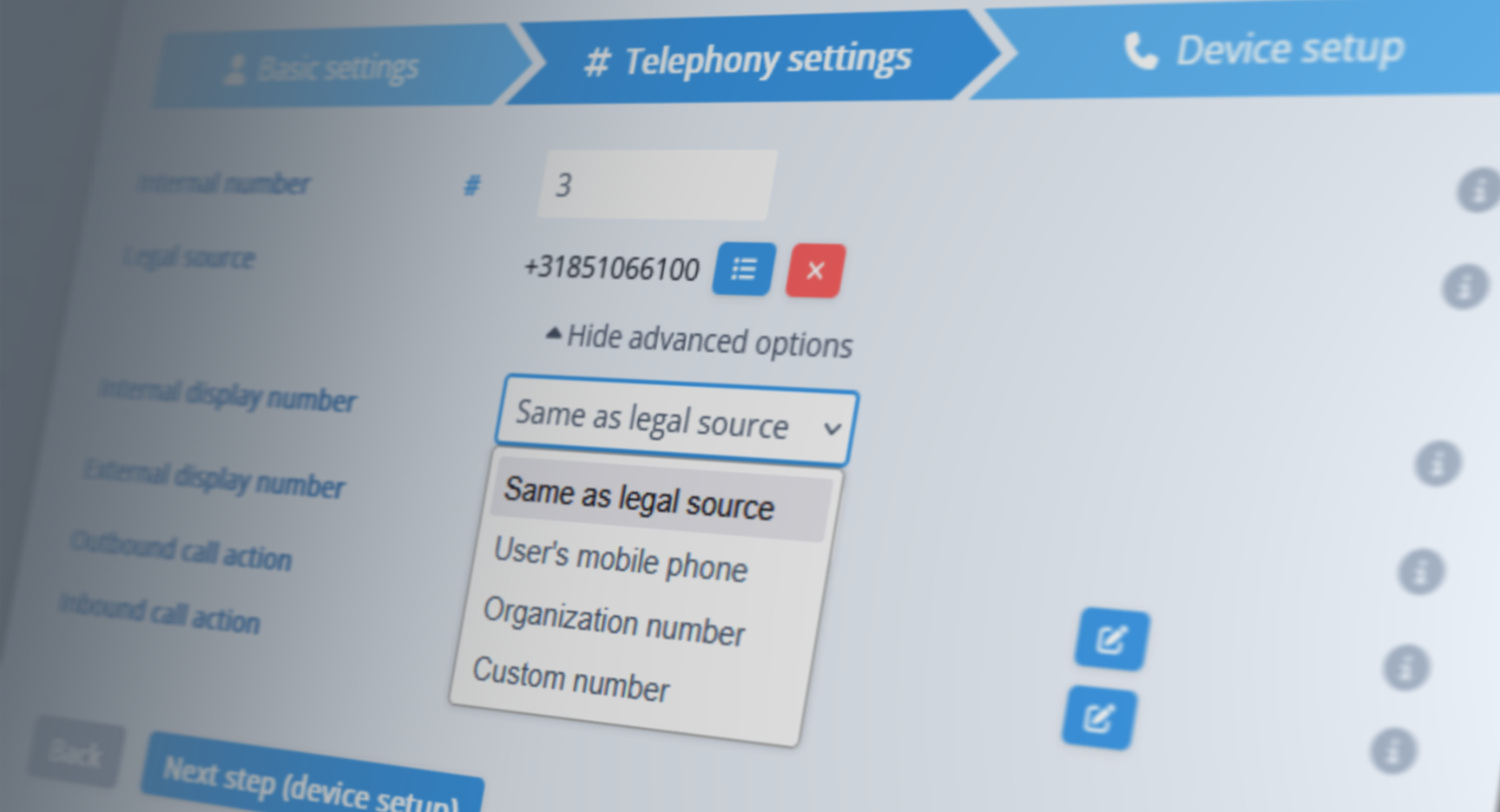
  • Simplified User Creation – When creating users, three phone numbers must be set: Legal Source (owned by the organization) and Internal & External Display Sources (shown to the called party when placing calls). We've replaced free-form text fields with quick-select options for a smoother setup. Unnecessary fields for phone-only users have also been removed, making the process faster and more intuitive.

  • Smarter Login – Users in the login selector are now sorted by organization name + user name for easier navigation.

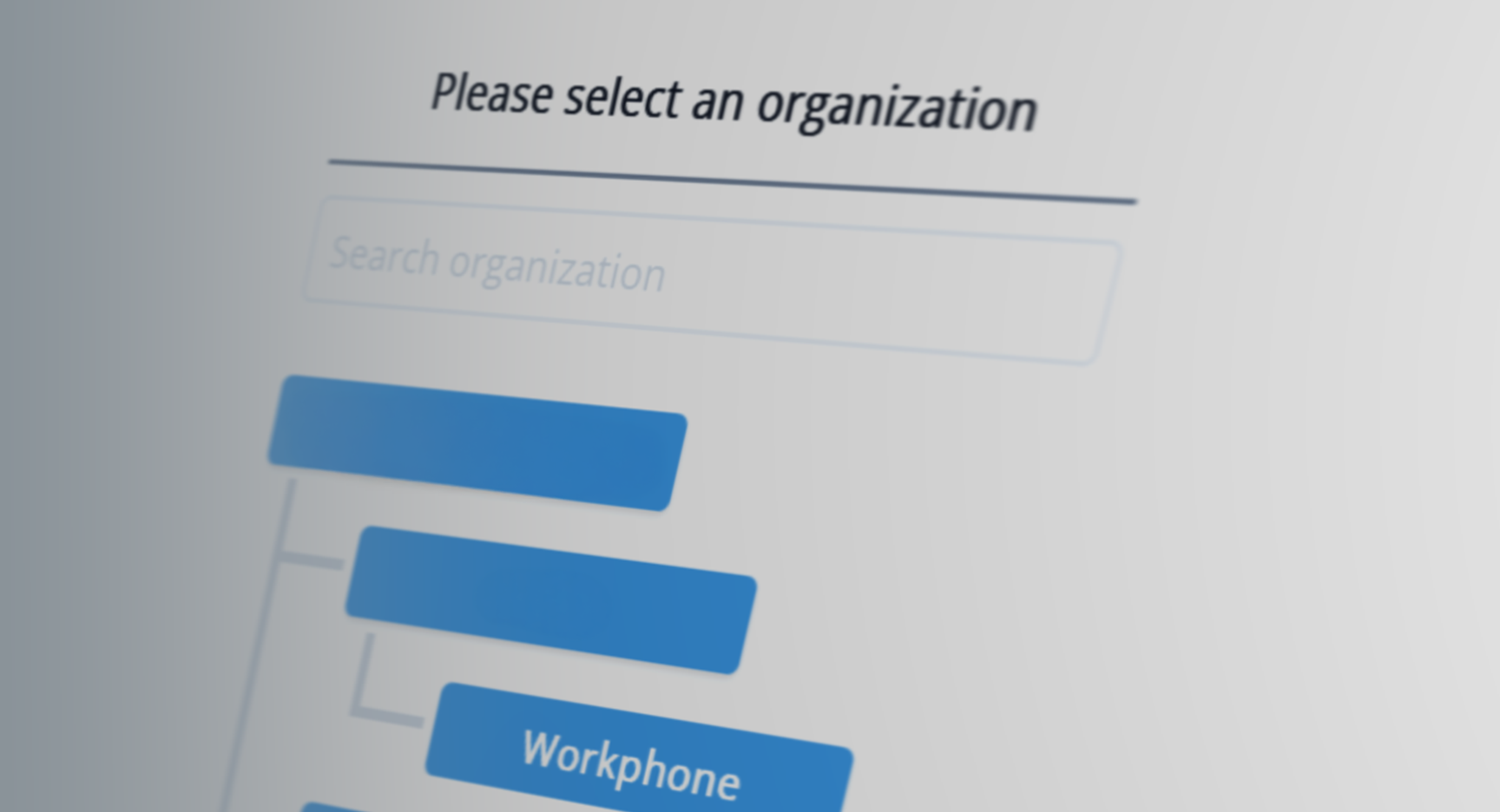
  • Smarter Search – When searching for an organization, pressing Enter instantly selects the best match, even if an intermediate name also matches.

  • White-Label Portal Alias Domains – Organizations can now configure alias domains that seamlessly redirect visitors to their primary portal domain. This allows for smooth domain transitions without breaking existing links.

  • More Robust RTP Handling – Before a call begins, audio formats are negotiated to ensure compatibility. Some systems send audio in a different format than agreed upon. Our improved RTP handling now detects and corrects some of these mismatches automatically.

White-Label API Domains

Our goal is to deliver a completely white-labeled experience, ensuring your customers see only your brand—never ours. Therefore API calls now use branded domains, preventing voipfabric references from appearing in browser developer tools.

Smarter Web Login

We've made logging in more seamless and secure with a smarter session management system.

What's New

  • Less Frequent Logins – No more logging in every time you close your browser—stay signed in on devices you trust.
  • Adaptive Session Duration – On public computers, sessions now expire after 3 minutes of inactivity, while on trusted devices, they last up to 30 days.

Call router

Our call routing system now takes a smarter, call-by-call approach. Each call is automatically routed via the best available connection, factoring in both call quality and cost efficiency. If the selected route is unavailable, the system promptly retries the next best route without any manual intervention.

Improvements

  • Dynamic Failover – Automatic per-call rerouting ensures uninterrupted connectivity.
  • Comprehensive Diagnostics – Expanded logging captures each call’s routing journey in more detail allowing us to better evaluate peering quality.

Priority Queue

We've added some highly requested features to the priority queue, making it more adaptable to different situations.

New features

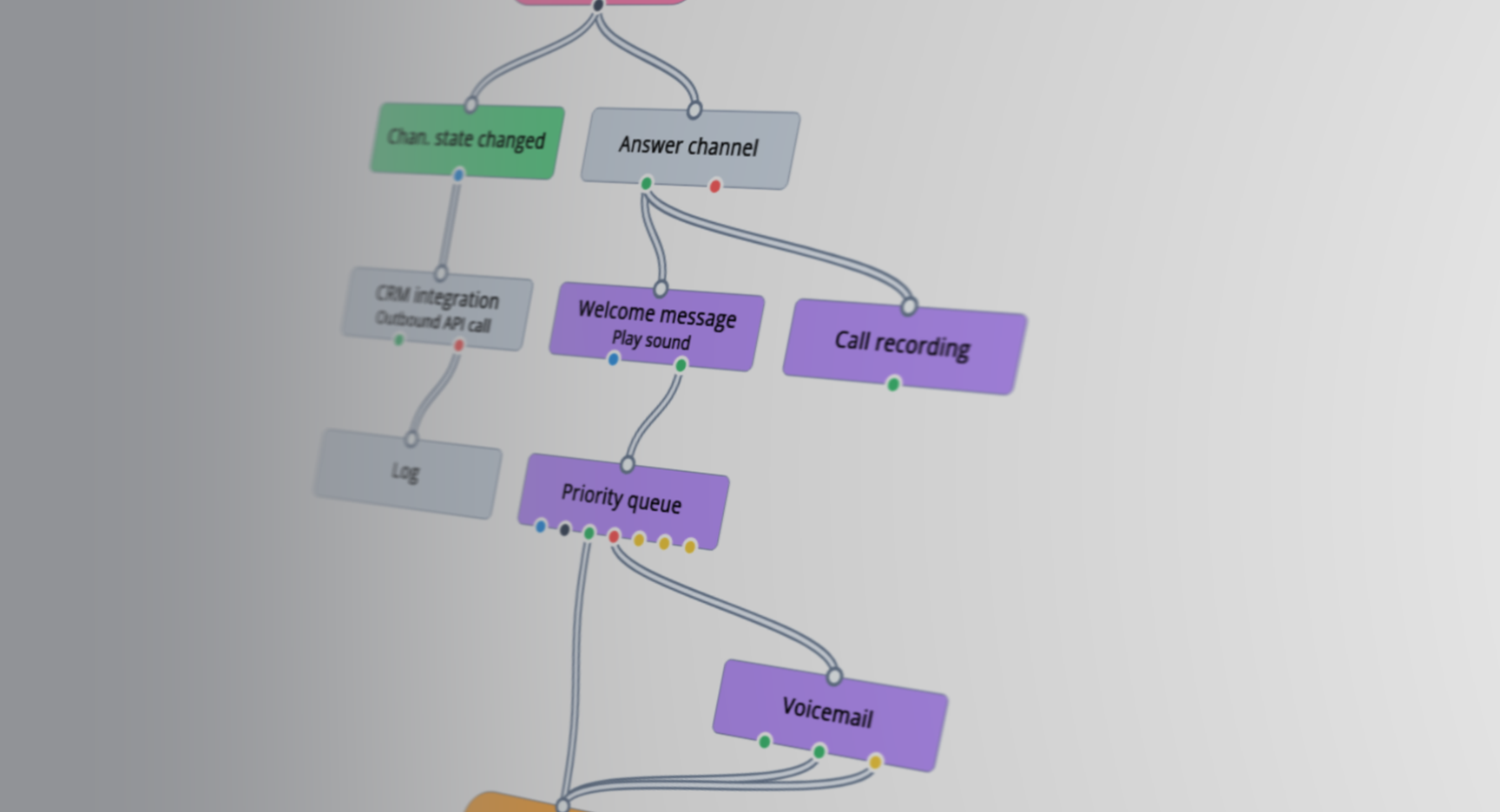
  • Voicemail Exit – Callers now have the option to leave the waiting queue and go straight to voicemail instead, reducing frustration for those who prefer not to wait.
  • No Agents Available – If no agents are online, the queue can now be skipped entirely, preventing callers from waiting unnecessarily.
  • Emergency Interrupt – A unique new feature, especially usefull for medical professionals. Agents can now be pulled from an active call to handle an emergency call immediately. The interrupted caller will receive a prerecorded message explaining the situation and why they are placed on hold.

Flow Editor

We're excited to share some small but major improvements to the Flow Editor.

Improvements

  • Snap to Grid – Blocks now automatically align to a structured grid, keeping your workflows visually organized and easier to manage. A small but useful tweak for those who appreciate precision.
  • Dynamic Outputs – Macros can now have situational output blocks, adapting based on different conditions. For example, in the priority queue, the three yellow outputs adjust dynamically depending on specific scenarios, such as a voicemail exit. This makes flows more flexible and responsive to various situations. In the future we'll be reworking some of our existing macro's to use this functionality.

Organizations

Managing organizations just got easier with a couple of key updates designed to improve efficiency.

New

  • Create New Organizations Directly – You can now add new organizations right from this screen, making it easier to start your workflow without navigating elsewhere. Just click the green "+" button to get started.
  • Search – You can now search for an organization. Tip: if only one result remains, you can press "Enter" to select it—no need to use the mouse. This makes navigation much faster, especially for partners handling a long list of organizations.